Most merchants already know hosted checkout: create a session, send the buyer to a URL, listen for a webhook, fulfill. That muscle memory is useful. What breaks it is the second buyer class—AI agents that will not open your card form, will not pass 3DS, and will not paste a wallet address into a chat.
Vybe Native Checkout is Collect’s merchant door for that world. Settlement in USDC or USDT. One session object that works for a human in a browser and an agent on HTTP. You keep the cart, tax, shipping, and fulfillment. Vybe settles the payment and credits your balance.
Humans get session.url. Agents hit the same URL with Accept: application/json. One amount. One receipt. One balance.
Who this is for
- Ecommerce and SaaS teams that already create checkout sessions in code
- Agencies and freelancers who invoice variable totals and want a hosted pay page
- API / MCP sellers who already list Collect offerings and want cart-style redirects
- Anyone who wants agents to pay without building a second storefront
If you only need a public catalog at /s/@you, Collect alone may be enough. Checkout is for when your own site or backend needs to mint a payment intent at request time—especially with a cart total that isn’t a fixed catalog row.
Native Checkout model (keep this on your desk)
- Products / prices → Collect offerings (fixed SKUs)
- Create session → POST /api/checkout/sessions
- Hosted URL → /r/{id}
- Secret key → Collect key vybe_col_…
- Webhooks → Collect payment.paid (or poll the session)
- Buyer pays → stablecoins + agent HTTP 402 / x402
Use https://www.vybe.finance for API and hosted URLs. Prefer www over the apex host so TLS-sensitive clients don’t fail mid-checkout.
Two ways to price a session
Fixed SKU (catalog line item)
When the product already lives in Collect—session, credit pack, membership, API call, license—pass the offering id as line_items[].price. Quantity is how many of that price (max 1 today). The amount is locked to the offering. Humans and agents see the same title and price.
Best for: product pages, “Buy now” buttons, renewals of a known SKU, marketplace listings that already have an offering id.
Dynamic amount (cart / invoice / quote)
When your store computes shipping, discounts, or a custom quote, you don’t need a new offering for every cart. Create a session with amount (shorthand) or line_items[].price_data.unit_amount plus product_data.name. The response marks amount_mode: dynamic. Both humans and agents pay that locked total for that session.
Best for: ecommerce cart checkout, one-off invoices, quotes, tips with a computed total, any “pay this order” flow where the catalog row doesn’t exist yet.
Don’t invent an “invoice” offering type for every cart. Lock the total on the Checkout Session. Fulfill from your order id.
The merchant integration (end to end)
- Create a Vybe Business account and claim @you.
- Issue a Collect API key (vybe_col_…) from Developers / Collect settings.
- Optionally publish fixed products as Collect offerings for SKU checkout.
- On your server, when the buyer is ready to pay, POST /api/checkout/sessions with your key.
- Redirect the human to the returned url (hosted /r/{id}).
- Store session id ↔ your order id. Listen for payment.paid (or poll GET /api/checkout/sessions/{id}).
- Fulfill only when payment_status is paid. Mark the order complete in your system.
What you send (fixed SKU)
POST https://www.vybe.finance/api/checkout/sessions with Authorization: Bearer vybe_col_… and a JSON body like mode: payment plus line_items: [{ price: "svc_OFFERING_ID", quantity: 1 }]. The response includes id, url, catalog_url, agent_pay_url, and amount_mode: fixed.
What you send (cart total)
Same endpoint. Either { amount: "42.50", currency: "usdc", memo: "Order #1042" } or line_items with price_data.unit_amount and product_data.name. You get amount_mode: dynamic and the same url / agent_pay_url shape.
What you do after create
- 302 / client redirect to session.url for browsers
- For agents and automations: give them the same url (or agent_pay_url) — no separate “AI checkout” product
- Echo success_url / cancel_url only as client hints; treat webhooks or polled status as source of truth
- Idempotent fulfillment: one paid session → one order ship / unlock / credit
How humans pay
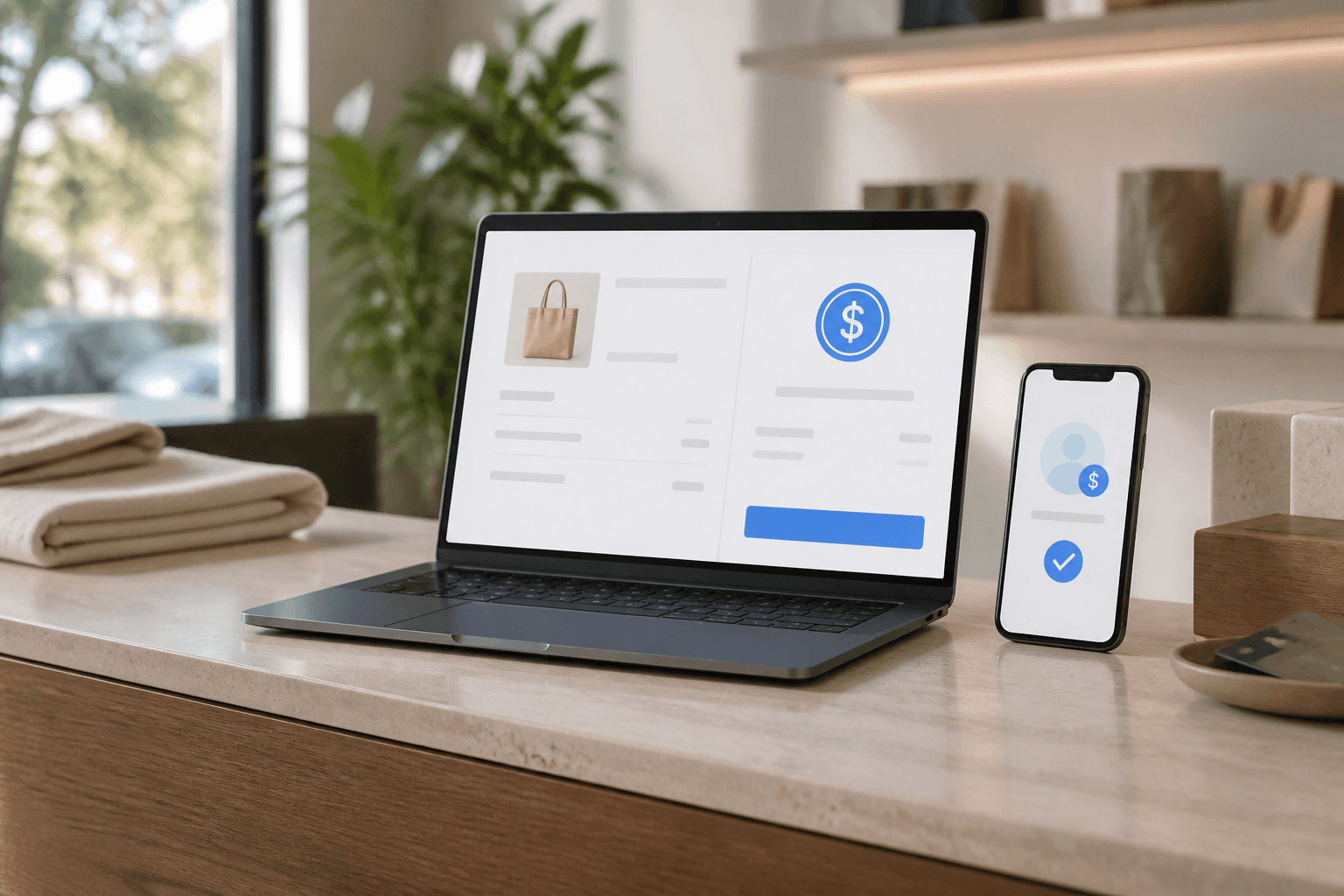
Hosted /r/{id} is Native Checkout: order summary plus payment panel—not a phone mock. The buyer chooses a rail (Vybe Wallet, WalletConnect, direct transfer, or agentic). Direct transfer can watch for a matching deposit for a short window. When settlement clears, your Collect balance moves and webhooks fire.
You can also mint sessions from the Business desk → Checkout without writing code first: pick a product or a custom amount, create the session, share the link. The API path is what you wire into your store when you’re ready.
How agents pay (same URL)
Agents don’t need a second SKU list if you already created a Checkout Session for the order. They request the hosted URL with an agent-friendly Accept header:
- GET /r/{id} with Accept: application/json → HTTP 402 plus agent_pay_url and x402 PAYMENT-REQUIRED headers
- HTML responses also advertise Link: rel="payment" pointing at /api/r/{id}
- Settle on agent_pay_url with a payment signature, or POST a txHash where supported
- Poll until payment_status is paid — same status your webhook uses
Buyer-side agents often use a VAPT spend key and Vybe Pay MCP (pay_offering) against Collect offerings. For session-scoped carts, the Checkout Session’s agent path is the handshake: price is locked on the session, not renegotiated in chat.
If an agent can read a URL and settle 402, it can pay your cart total. You did not build a second store.
Ecommerce patterns that work today
1) Cart → one dynamic session
Compute subtotal, shipping, tax in your stack. Create one Checkout Session for the grand total. Redirect. On payment.paid, mark the order paid and trigger fulfillment. This is the closest drop-in to “hosted checkout for this order.”
2) Product page → fixed offering
Map each sellable SKU to a Collect offering. Buy Now creates a session with that price id. Useful for digital goods, memberships, credit packs, tickets, and licenses—especially when you also want marketplace / catalog discovery.
3) Hybrid
Keep evergreen products as offerings. Use dynamic sessions for carts, custom quotes, and invoice links. One Collect key. One webhook pipeline. Two amount modes.
What you still own
- Cart UX, inventory, tax, shipping labels, returns
- Customer accounts and order history in your database
- Fraud rules above payment (Vybe settles; you decide who can create sessions)
- Card / fiat acquiring if you need it — Checkout today is stablecoin settlement, not Visa
Fulfillment checklist
- Persist checkout session id next to your order id at create time
- Treat payment.paid (or paid status on GET session) as the only green light
- Make fulfillment idempotent — webhooks retry
- Surface failures to support with session id, not “the crypto didn’t work”
- For digital unlocks, gate the download / API key / seat on paid status only
Honesty (say this to your team)
- Settlement is USDC / USDT (and agent 402)—not card acquiring
- success_url / cancel_url are client conveniences; webhooks and status are truth
- Public catalog agent paths still care about Collect being enabled for discovery; hosted /r/{id} JSON pay works for the pending session you created
- Vybe Pay MCP pays Collect offerings under buyer caps—it is not “pay any URL on the internet”
- Checkout is part of Collect, not a fourth product pillar
Ship this week
- Open /checkout and read the merchant door. Create one test session from Business → Checkout.
- Issue vybe_col_… and recreate that session via POST /api/checkout/sessions.
- Pay it yourself as a human on /r/{id}. Confirm the balance and webhook.
- Repeat with Accept: application/json and settle the 402 path (or use a VAPT agent against a catalog offering).
- Wire one real order path: cart total → dynamic session → redirect → fulfill on paid.
Docs live under /checkout and the Collect / Checkout sections of the OpenAPI at /mobiledocs. For agent spend on the buyer side, see /pay-mcp and /llms.txt. Your job as a merchant is simpler: mint the session, redirect or share the URL, fulfill when it’s paid—whether the buyer was a person or software.